

What Wrap is
Wrap is a free iPhone app that turns the photos and videos on your camera roll into beat-synced Instagram Reels and TikTok videos. It is made for creators, small businesses and anyone who wants a music-timed short video without learning a video editor. Available on the App Store for iOS, with optional in-app purchases.
Beat-synced editing
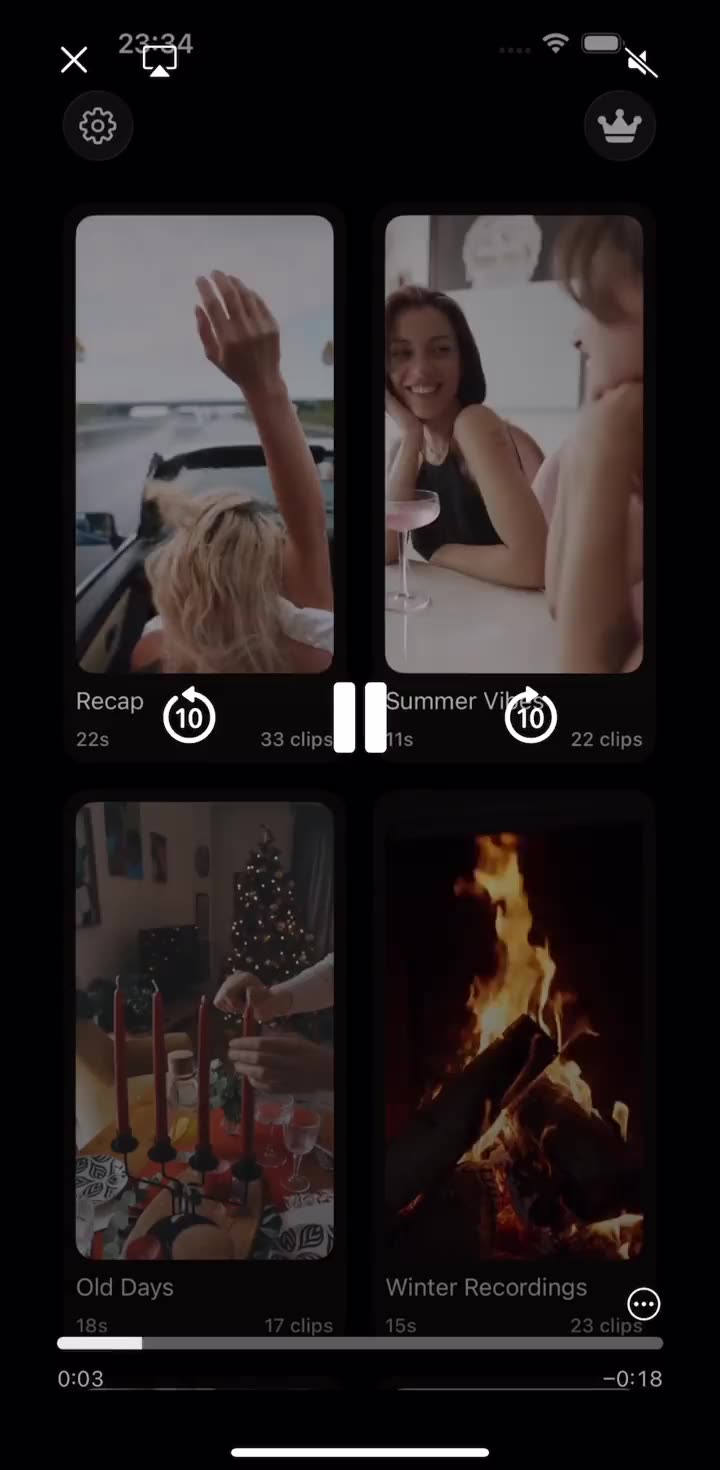
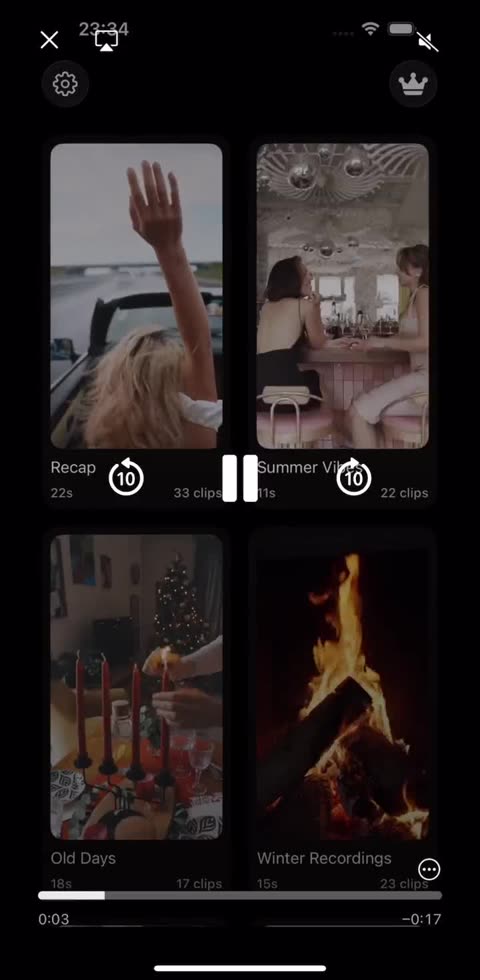
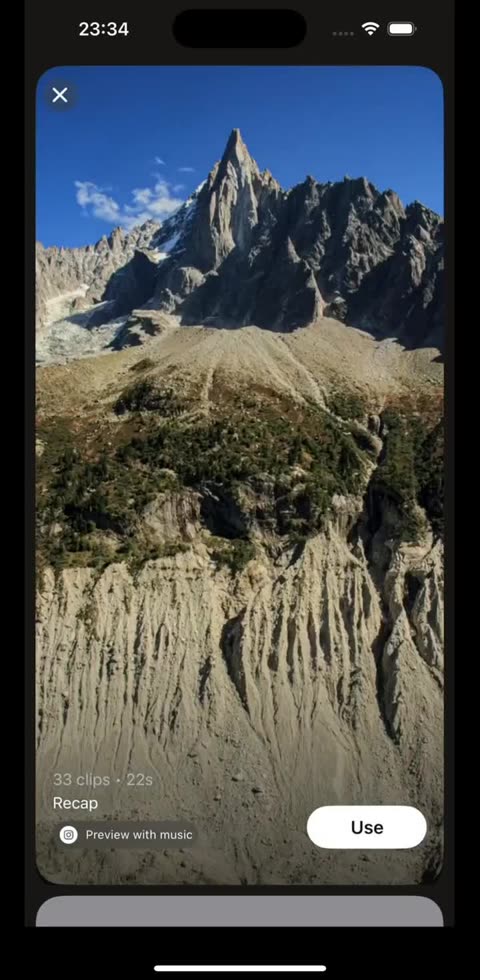
Every template carries its own music track and a pre-timed grid of clip slots. Drop in your clips and each cut lands on a beat automatically, with no waveform to drag and no frames to count.
Templates updated every week
The template library follows what is trending on Reels and TikTok, with new looks, tracks and pacing added every week, so there is always a current style to start from.
Video effects and filters
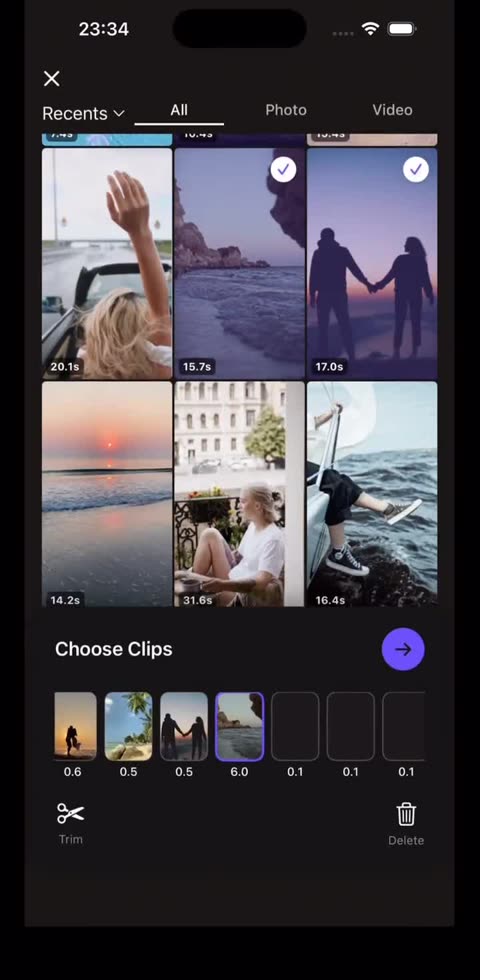
Apply effects and filters to give a Reel its look, then keep editing: any slot can be trimmed or swapped in place without losing the beat the rest of the edit sits on.
Easy to use, four taps
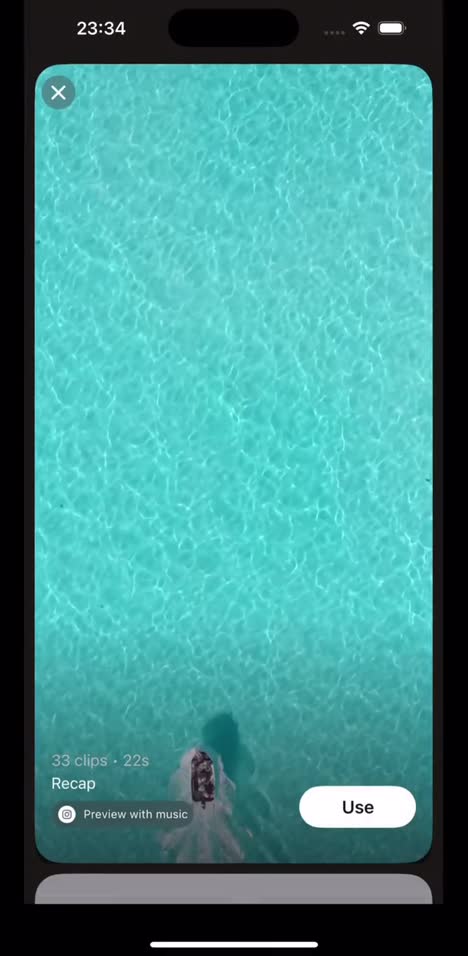
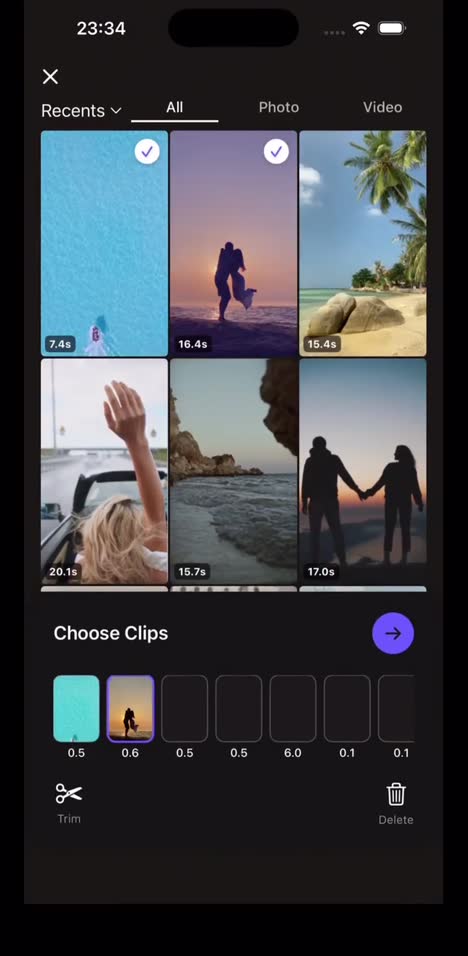
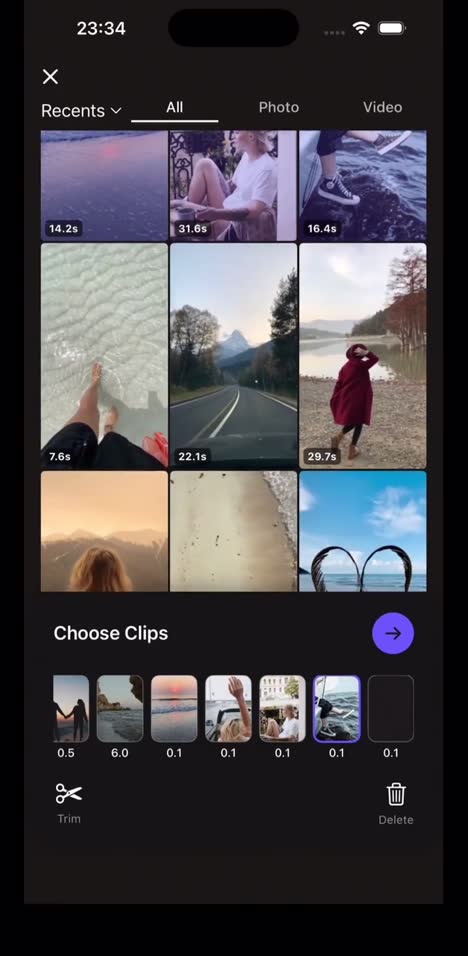
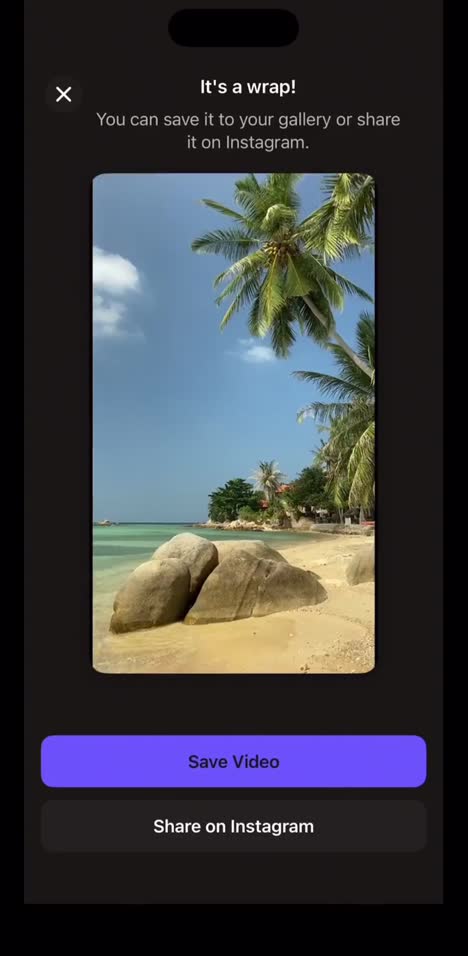
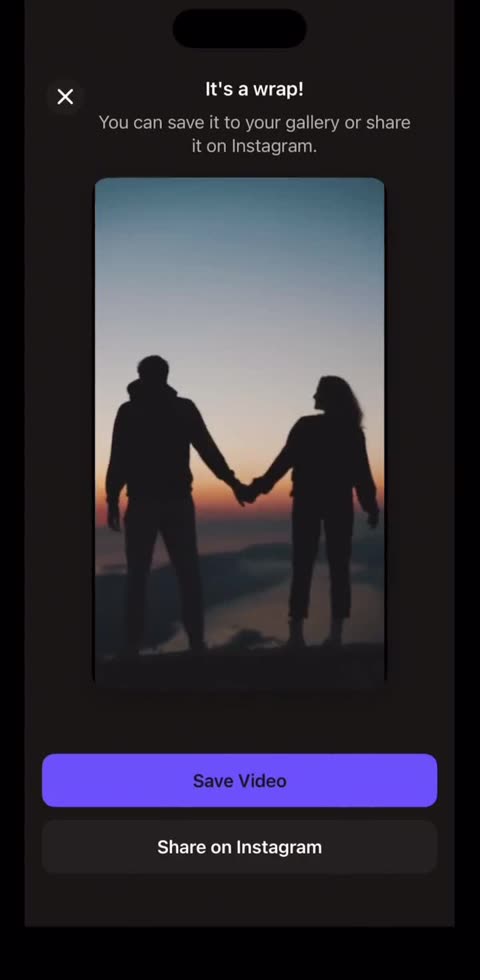
Pick a template, choose your clips, let it run, save it. Wrap starts from a finished look instead of a blank timeline, and exports to your gallery or straight to Instagram.
Common questions
- What does Wrap do?
- It makes beat-synced Reels and TikToks from your camera roll: pick a template with its own music, add photos or videos, and Wrap cuts them on the beat.
- Which platforms is Wrap on?
- iPhone (iOS) only, free on the App Store with optional in-app purchases. There is no Android or web version yet.
- Can I use my own music?
- Each template comes with its own track chosen to match its pacing.
- How long does a Reel take to make?
- The full flow is four taps. The recording on this page shows a Reel going from template to export in about fifteen seconds.